
Follow these simple photo tips to ensure your memories are printed perfectly on mugs, frames, cushions and more.
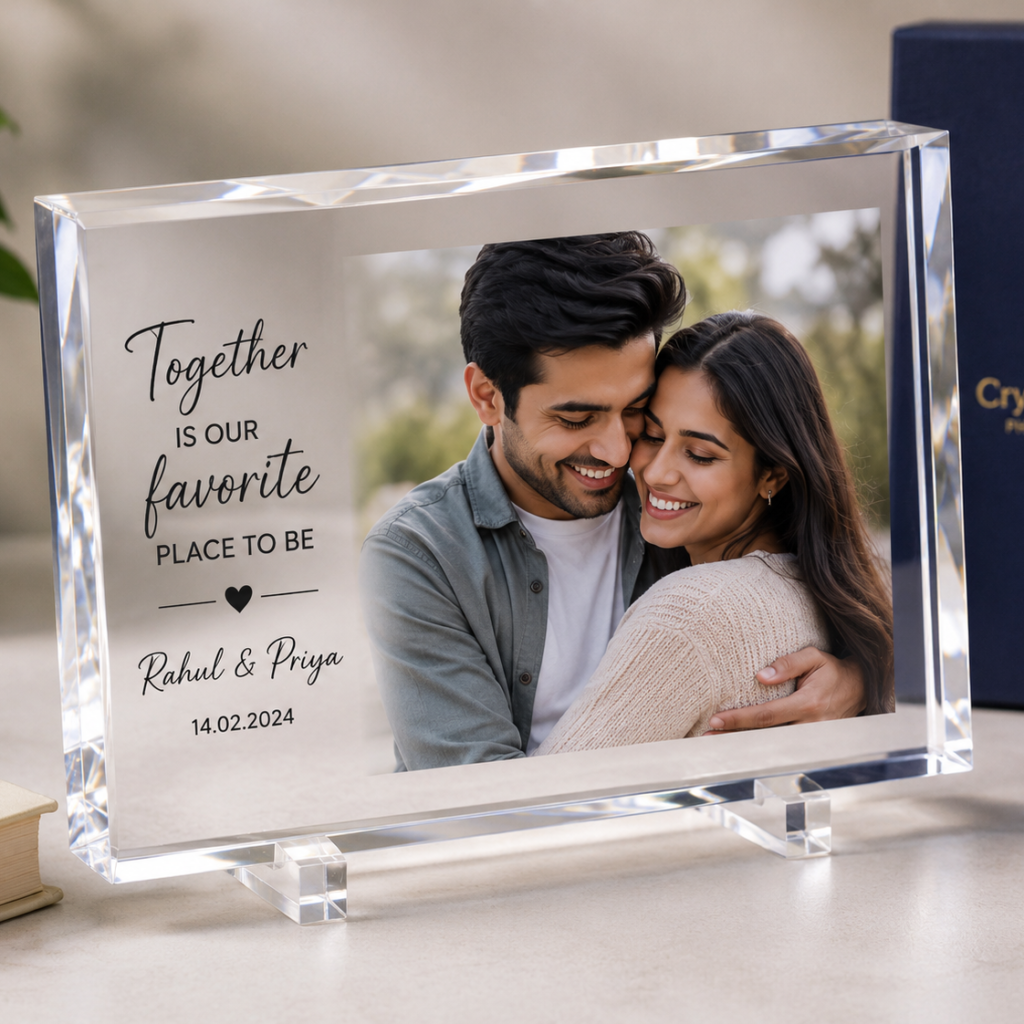
The single biggest factor in how good your personalized gift looks is the photo you upload. A great photo makes a mug, frame, or cushion look stunning; a blurry one can spoil an otherwise perfect gift. Follow these simple guidelines to get the best possible print every time.
Use the Original, Full-Resolution Photo
Always upload the photo straight from your phone gallery or camera. Photos forwarded through chat apps are heavily compressed and lose sharpness that printing will expose.
Tip: If you received the photo on WhatsApp, ask the sender to share it as a document instead—this preserves the original quality.
Check the Lighting
Photos taken in good, natural light print far better than dim indoor shots. Faces should be clearly visible without harsh shadows or strong backlight.
Mind the Resolution
As a rule of thumb, your photo should be at least 1500 pixels on its shorter side for most products. Larger products like cushions and wall art benefit from even higher resolution.
Leave Room Around the Subject
Many products crop photos to fit their shape—round mugs, heart-shaped frames, square coasters. Keep the important part of the photo (usually faces) away from the edges so nothing gets cut off.
Tip: When in doubt, choose a photo where the subject is centered with some background space on all sides.
Avoid Filters and Heavy Edits
Social media filters can look odd in print, especially on skin tones. Upload the unedited photo and let our print process reproduce it faithfully.
What We Do on Our End
Every photo is reviewed before printing. If your image is too small, badly cropped, or likely to disappoint, we will contact you and help you pick a better one—we would rather delay an order slightly than print something you will not love.
 No products in the cart.